![]() | ![]() | |||||||||||||||||||||||||||||||||||||||||||||||||||||||||||||||||
| ||||||||||||||||||||||||||||||||||||||||||||||||||||||||||||||||||
Earthworks Made Easy!
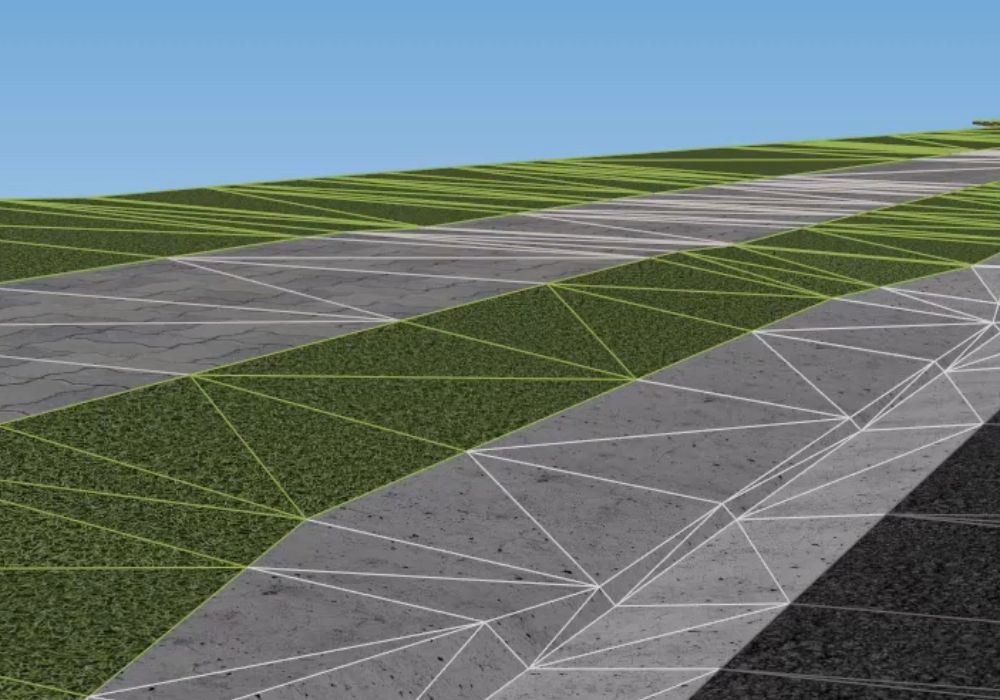
Coming in June! A series of workshops on Earthwork Design using the incredible dynamic grading tools of AutoCAD Civil 3D. See how the building pad moves across the surface, automatically battering and calculating volumes. Add surfaces together for perfect analysis of slopes, elevation, water trails and catchments.
New support site for STRINGERJon Rasmussen has built the definitive technical and support web site for STRINGER. Click here to visit the STRINGER web site. Advanced Road Design 2008.04 Update AvailableClick here to view all the new features of ARD 2008.04
Road Reconstruction Design Training Seminars - Australia - April 2008
Topics Covered Include:
PLUS - City of Adelaide - Case Study - Intersection Reconstruction Project
Seminar Dates and Locations
Road Reconstruction Design Workshops - Australia - April 2008
Do you do Road Reconstruction Design? Using 12D or CivilCAD and figure there has to be something better on the market? Would you like to know how AutoCAD Civil 3D and Advanced Road Design can help you complete road recon designs on time and on budget? Then come to our FREE Road Reconstruction Workshops being held in April 2008. Topics to be covered include Resheet/Overlay Design and Partial Road Recontruction
Autodesk Council Technology DayBrisbane is the first Autodesk Council Technology day for 2008! This event brings together Civil 3D users from Local Government together to explore and learn the latest design technolgy. Guest speaker for the event is Colin Jensen, Co-Ordinator-General and Director General for the Department of Infrastructure and Planning. Download the Brisbane Council Technology Day Invitation - Wednesday 16th April Dates for the Autodesk Council Technology day for Perth, Adelaide, Melbourne, Sydney and Hobart to be announced shortly. Subdivision Design and Road Reconstruction Seminars - New Zealand - April/MayJoin us in Auckland and Christchurch to experience AutoCAD Civil 3D with Advanced Road Design for subdivision and road reconstruction design.
Subdivision Project
Advanced Road Design 2008.03 Update AvailableAdvanced Road Design users on current subscriptions can visit the ARD subscription site and download the latest XP & VISTA update 2008.03 One of the new features in ARD 2008.03 is complex batters - you can see this functionality in the following AVI. (Right Click and save to your computer) Advanced Road Design Subscription Site
Stringer 2008.16 Update AvailableStringer users on current subscriptions can visit the Stringer subscription site and download the latest XP update 2008.16 In this release you will find bug fixes and new functionality:
Improved functionality:
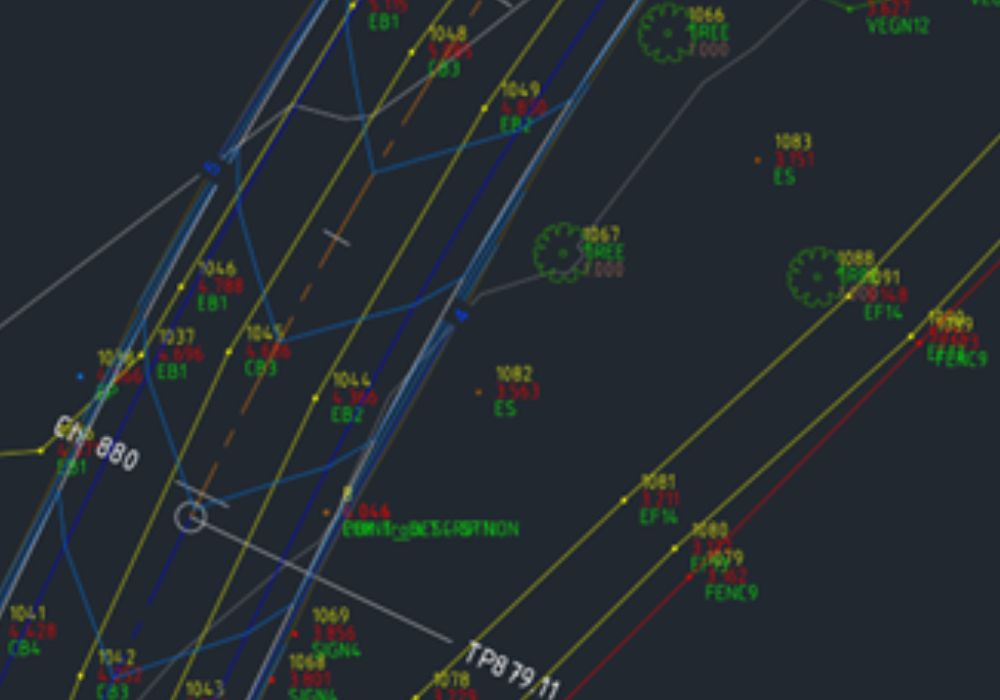
AutoCAD Civil 3D 2008 Drawing TemplateThis drawing template has been completely re-written allowing for a complete overhaul of the layers used by the various styles. The general philosophy used for layers in the template is one layer for the object, one layer for the labels for that object and one layer for the tables. Within the object style definition the sub-components are set to use to objects layer and different colours/linetypes etc. to alter the display of the sub-components of the object. The only exception to this philosophy is surfaces. Each surface is created on a separate layer and the Design and Existing contours and contour labels are created on separate layers. Due to the broad spectrum of varying survey codes, two sample Description Key Sets has been included, one for Alpha coding and one for Numeric coding. A sample set of Point Style has also been included. Please forward any improvements/suggestions to support@cadapps.com.au Download the AutoCAD Civil 3D Drawing Template Copy the Drawing Template into the Civil 3D 2008 Template folder on your computer which is, by default: C:/Documents and Settings/<username>/Local Settings/Application Data/AutodeskC3D 2008/enu/Template Where <username> is the users logon name. Riders On The Storm
| ||||||||||||||||||||||||||||||||||||||||||||||||||||||||||||||||||
| ||||||||||||||||||||||||||||||||||||||||||||||||||||||||||||||||||